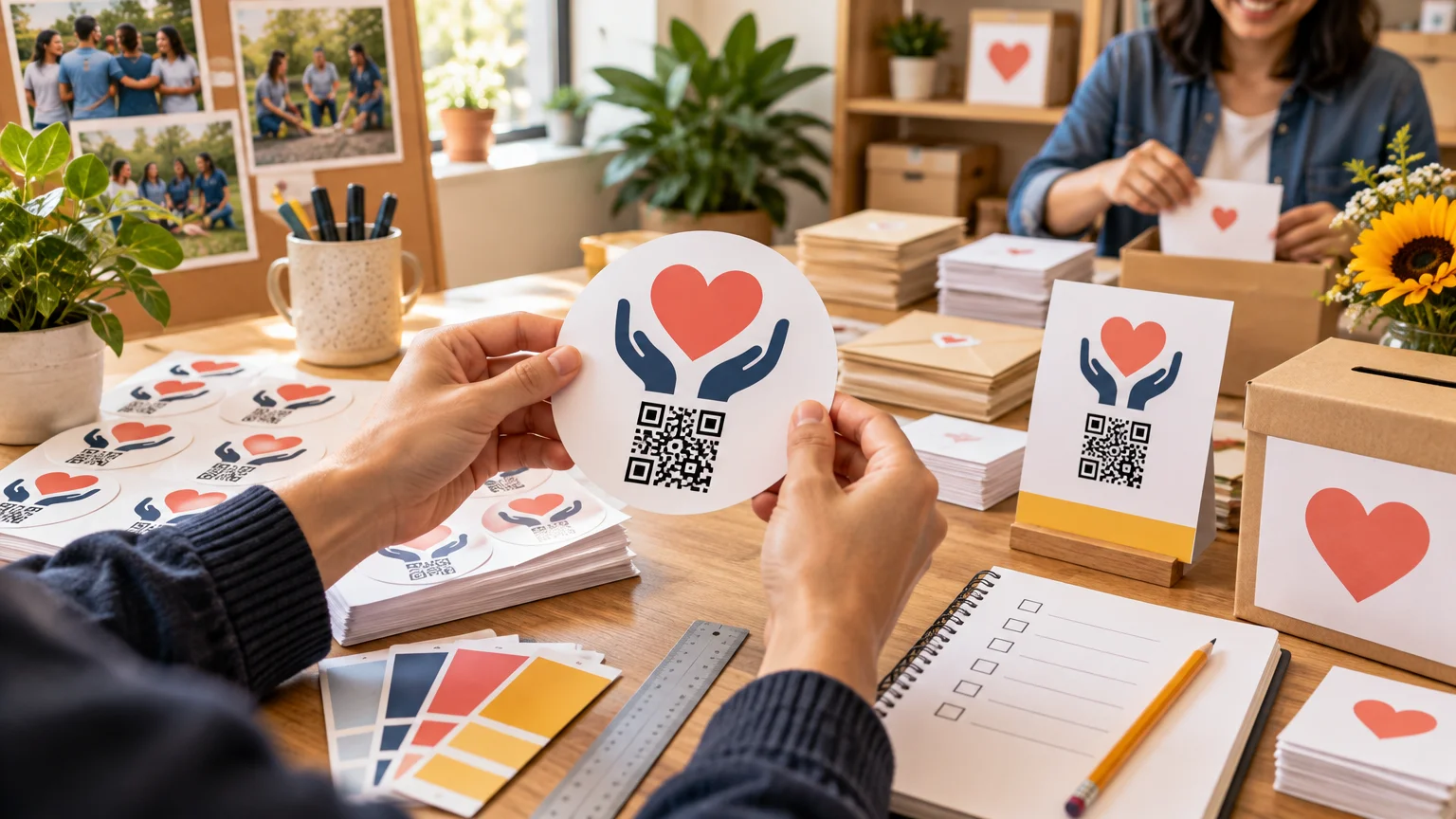
Preparing Fundraiser Sticker Artwork and QR Codes
TLDR
Preparing Fundraiser Sticker Artwork and QR Codes starts with one decision: what should someone do after noticing the sticker? Give that action most of the available space, send the QR code to a mobile-friendly page, include a short written URL, and test everything at the final printed size. For supporter giveaways or stickers likely to face moisture and outdoor use, CustomStickers’ laminated vinyl format is a practical fit. Treat its published minimum QR size as a technical limit rather than a design target, and review the proof before it can be approved automatically.
A fundraiser sticker has very little room to explain itself. It may need to identify the organization, make a request, create an emotional connection, and direct someone to a donation or registration page. Trying to give all four jobs equal visual weight usually creates tiny text and a crowded QR code. The stronger approach is to choose one primary action and make every design choice support it.
Define the sticker’s job before opening a design file
Begin with a one-sentence project definition. For example: “This three-inch sticker will be handed to community-fair visitors and will invite them to fund new library books.” That sentence establishes the audience, placement, approximate size, and desired action. It also gives reviewers a standard for removing anything that does not help the project.
Answer these five questions before developing artwork:
- What is the one action: donate, register, volunteer, RSVP, or learn more?
- Where will supporters encounter the sticker: an event table, thank-you mailing, storefront window, notebook, water bottle, or packaging?
- How long should it remain useful?
- What final size and shape will leave room for both the message and QR code?
- Who controls the destination page and will keep it active?
Do not make one sticker serve several campaigns unless it links to a stable organization-controlled landing page that clearly offers those choices. A code accompanied by “Scan to help” is vague. “Scan to fund a student’s field trip” or “Scan to volunteer Saturday” tells the reader what will happen next.
The same information hierarchy applies to larger campaign pieces. If you are coordinating the sticker with a poster or handout, use the decision process in this guide to prioritizing information on fundraiser flyers rather than shrinking the entire flyer onto a sticker.
Choose a sticker format that matches its lifespan
CustomStickers states that its custom vinyl stickers are laminated, waterproof, UV-resistant, and intended for durable indoor and outdoor use. Its listed custom sizes run from 2 to 6 inches, with quantity tiers from 50 to 20,000; the company directs lower-quantity and no-minimum orders to a separate route. Those characteristics make the product relevant when stickers may be kept, attached to personal items, distributed outdoors, or included as durable supporter extras.
That does not mean every fundraiser needs laminated vinyl. A label applied to a bakery box for one afternoon has a different job from a supporter sticker intended for a laptop or water bottle. Compare the intended lifespan before paying for durability you do not need.
| Format decision | Who should choose it | Main preparation priority |
|---|---|---|
| Durable laminated vinyl sticker | Organizations distributing supporter giveaways or materials likely to encounter handling, moisture, sunlight, or outdoor conditions | Leave enough physical room for a clear message, QR code, and fallback URL |
| Short-term label | Bake sales, temporary packaging, internal sorting, or event materials discarded shortly after use | Confirm the adhesive, application surface, handling conditions, and label-specific print requirements |
| Non-adhesive card or handout | Campaigns needing instructions, accessibility information, several actions, or substantial context | Use the extra space for readable directions instead of forcing everything onto a sticker |
For a durable supporter or event project, I would use the vendor’s standard custom-vinyl route and assess the full proof before production. Organizers ready to order that format can review custom vinyl sticker options, but should not infer performance on every surface from the general durability description. Application surface, cleaning, heat, curvature, and handling can still affect useful life. For more context, see the separate explanation of what waterproof means for vinyl stickers.
Preparing fundraiser sticker artwork for readable action
Design at the final physical size, not on a large screen and then shrink the finished composition. A layout that looks spacious at 400% zoom can become a knot of tiny letters after printing. Print an office-paper mockup at 100% scale, cut it out, and look at it from the distance at which a supporter will actually encounter it.
A useful visual order is simple: campaign identity, short action statement, QR code, and written fallback URL. Supporting details such as a slogan, event date, social handle, sponsor list, and lengthy explanation belong only if they remain readable without competing with the action.
CustomStickers’ published artwork guidance recommends 300 ppi at final size, type of at least 6 points, a 0.05-inch margin for bordered designs, and 0.03 inches of full bleed. These are production specifications, not guarantees that every composition will be comfortable to read. Six-point type may satisfy the vendor’s stated threshold while still being too small for donor-facing instructions. Use larger text whenever the sticker dimensions allow it.
For a raster file, 300 ppi means a three-inch square document would be 900 by 900 pixels before adding any required bleed; a two-inch square would be 600 by 600 pixels. Those figures are calculations based on final dimensions multiplied by 300 pixels per inch. Vector artwork can help preserve clean edges, but the exported file still needs to follow the printer’s accepted format and dimensions.
Give the QR code enough clean space
A QR code is not decoration. Keep strong contrast between its dark and light areas, avoid placing text or illustrations inside its boundary, and do not crowd it against the cut line. DENSO WAVE specifies a clear quiet zone four modules wide around a QR code. A module is one of the small square units forming the symbol, so the required physical clearance changes with the code’s scale. You can review DENSO WAVE’s QR code placement guidance when checking this area.
CustomStickers states that 0.5 inches is its smallest readable printed QR-code size, while warning that this size may not work with every phone. For a fundraiser, that minimum should be treated as a boundary, not a recommendation. The practical target is a code large enough to scan in the sticker’s real setting, with its quiet zone intact and sufficient room for a written URL.
Keep the encoded destination concise where possible. DENSO WAVE explains that QR codes offer four error-correction levels and that greater correction capability adds data, potentially increasing the symbol’s size. More encoded information can also produce a denser-looking code. Avoid embedding a paragraph, a long tracking string, or several actions when a controlled short URL can lead to the appropriate mobile page.
Do not make the QR code the only route. The federal Section508.gov guidance on accessible QR code implementation recommends including a URL in print and notes that physical conditions such as size, resolution, visibility, and lighting can interfere with scanning. A short written address also helps supporters who prefer typing, use a device without a convenient camera workflow, or want to verify the destination before opening it.
Verify the destination as carefully as the artwork
A perfectly printed code can still produce a poor campaign experience if it opens the wrong page. Scan it on a phone while logged out of the organization’s website and fundraising tools. This catches destinations that work for an administrator but ask the public to sign in, display an unpublished preview, or lead to an expired session.
The landing page should immediately confirm the organization and campaign. Check the campaign name, donation purpose, dates, contact details, form behavior, and what happens after submission. If the sticker asks people to volunteer, the page should open the relevant opportunity rather than a general homepage that makes them search again.
Also compare the printed fallback URL with the QR destination. They should lead to the same campaign or to clearly equivalent routes. If a redirect is used, document who controls it and who is responsible for keeping it active. Stickers can circulate long after an event ends, so decide whether the page will remain useful, redirect to a campaign update, or present a clear message after the deadline.
Use a two-stage scan test
A screen test is necessary but not sufficient. First test the code in final-size artwork. View or print the layout at 100% rather than enlarging it for convenience. Try more than one available phone, vary the distance slightly, and test under conditions resembling the event or distribution setting. This is an internal quality check, not proof that every device and environment will work.
Run the second test after delivery. Scan one physical sticker before volunteers insert hundreds into mailings or hand them out at an event. The production check can catch a damaged file, an unexpected cut position, insufficient contrast, or a size change introduced between design and printing.
If the sticker is going into donor correspondence, let it feel like an appreciative extra rather than another aggressive appeal. The guidance on using stickers in donor thank-you mail can help you decide whether the QR action belongs in that particular communication.
Review the proof before approval
Assign one person to conduct the final review and another to verify the URL independently. CustomStickers states that proofs may be approved automatically after three days, so proof ownership and timing should be decided before the order is placed. Do not rely on a crowded group email in which everyone assumes someone else checked the file.
Use this proof checklist:
- Confirm the finished dimensions, shape, orientation, and quantity.
- Check the cut line, bleed, border, and safe spacing around essential content.
- Read every word, date, phone number, and URL character by character.
- Confirm that the campaign name and organization identity are current.
- Check that the QR code retains its full quiet zone and is not covered by decoration.
- Scan the code from the final-size proof rather than an enlarged preview.
- Open the destination while logged out and complete the intended path as far as practical.
- Verify that the written URL reaches the corresponding destination.
- Record the reviewer’s name and approval date.
- Plan to scan a delivered sticker before broad distribution.
A simple production workflow
Preparing Fundraiser Sticker Artwork and QR Codes is easier when the work moves through a fixed sequence instead of repeated design revisions. Use this order:
- Write the single supporter action in plain language.
- Build and verify the mobile destination.
- Choose the physical placement, lifespan, sticker size, and print format.
- Generate the QR code and add a short written URL.
- Design at final size with the required bleed, margins, and quiet zone.
- Print a 100% scale paper mockup and scan it.
- Export the print file using the vendor’s current specifications.
- Assign proof and destination reviewers before ordering.
- Review the vendor proof before its approval deadline.
- Scan one delivered sticker before distribution.
Your next concrete action is not placing an order. It is opening the destination on a phone while logged out and writing the shortest accurate call to action for it. Once that pair works, build the final-size artwork around it. The resulting sticker will have a clearer message, a more dependable route for supporters, and a review process your team can repeat for future campaigns.